Fake Chat logoFake Chat logoFake Chat
  • Examples
  • Pricing

Fake Instagram Post Generator

Use the fake Instagram post to review a feed concept before anyone publishes it. Add your photo, caption, profile image, and account details, edit the live preview, and download a post mockup for your project.

Free PNG exports. Pro for animation.

Open the editorSee how it works

Your content, visualized

See your content take shape

Start with editable names, text, and visual details. The finished preview brings those choices into a familiar layout, ready for your presentation or next video.

Fake Instagram Post

Give your next post a first look.

1

Editable content

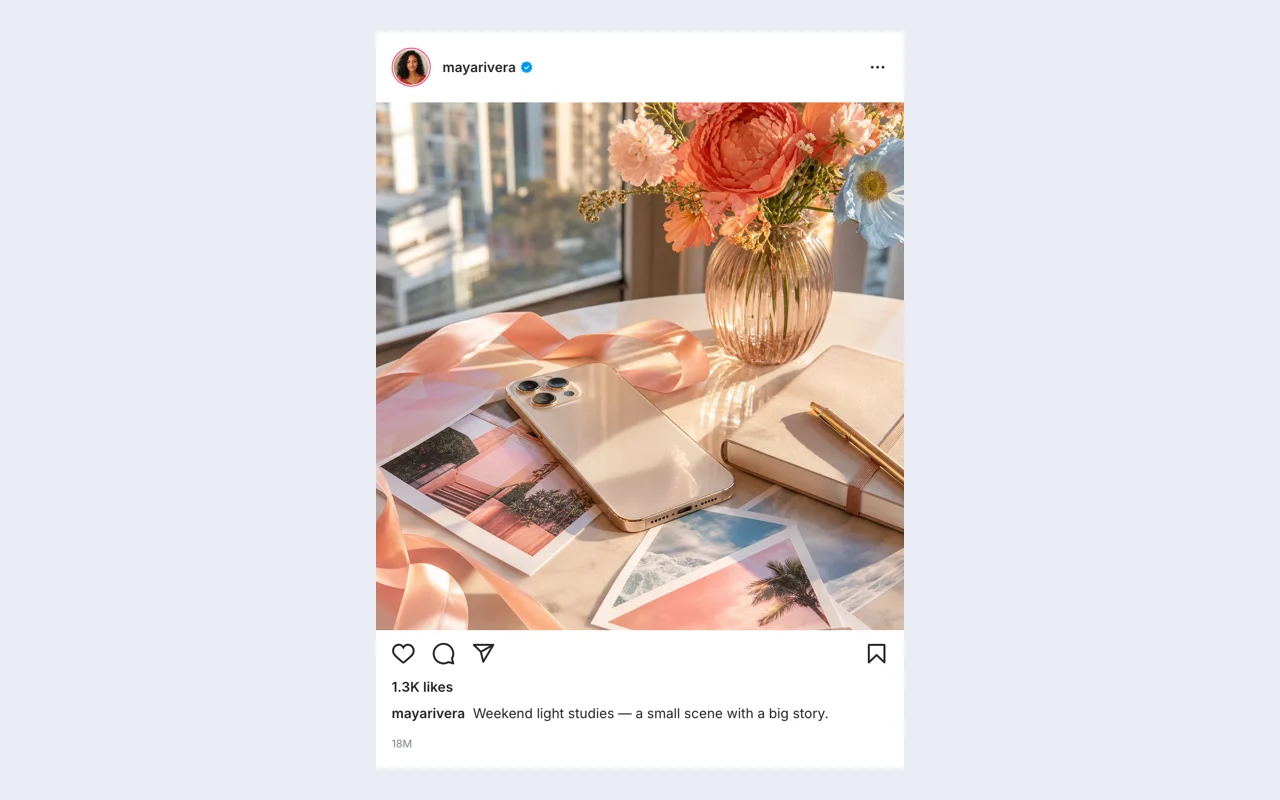
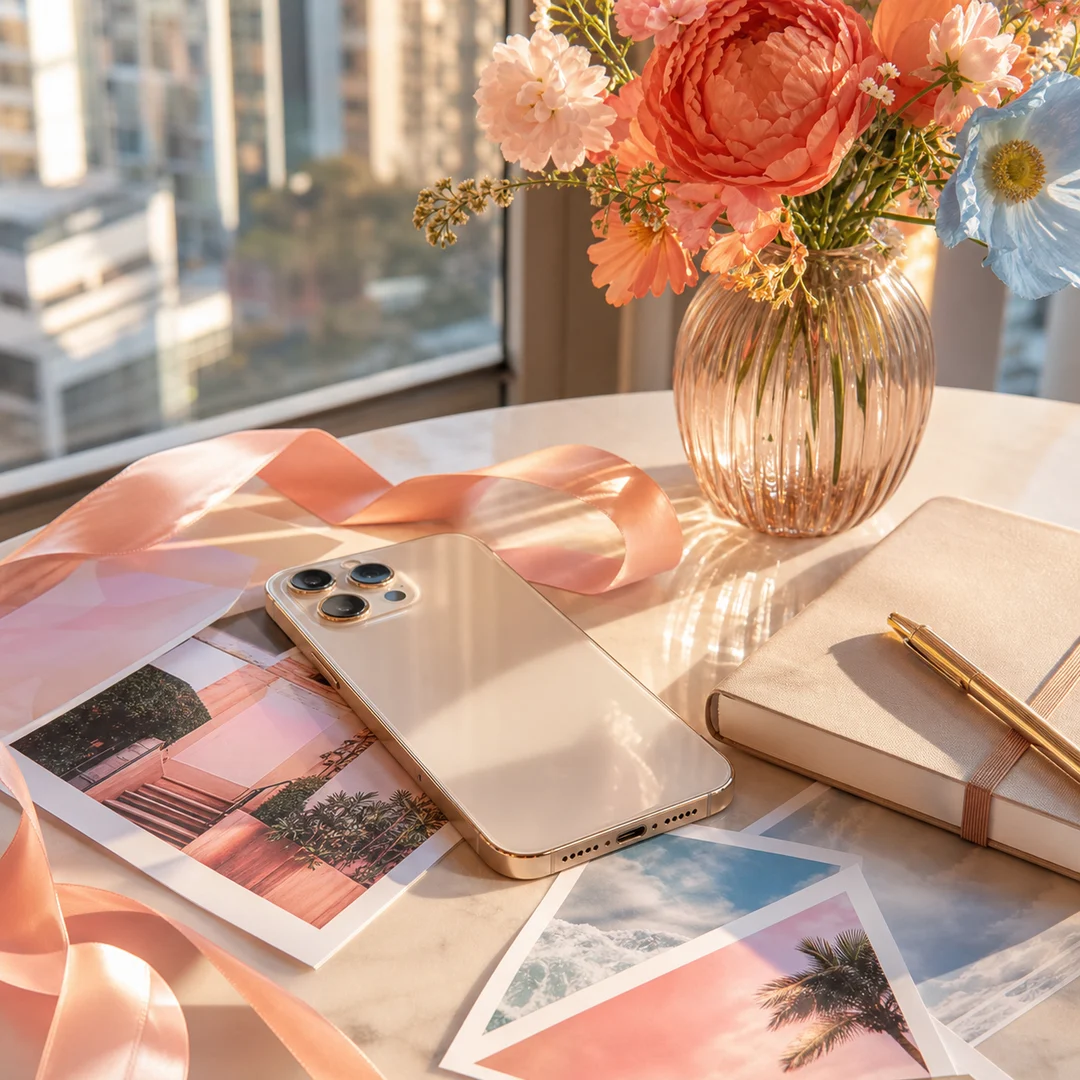
Source photo with a phone, flowers, notebook and ribbon on a sunlit table
Profile
mayarivera
Caption
Weekend light studies — a small scene with a big story.
Likes
1,300
2Finished PNG
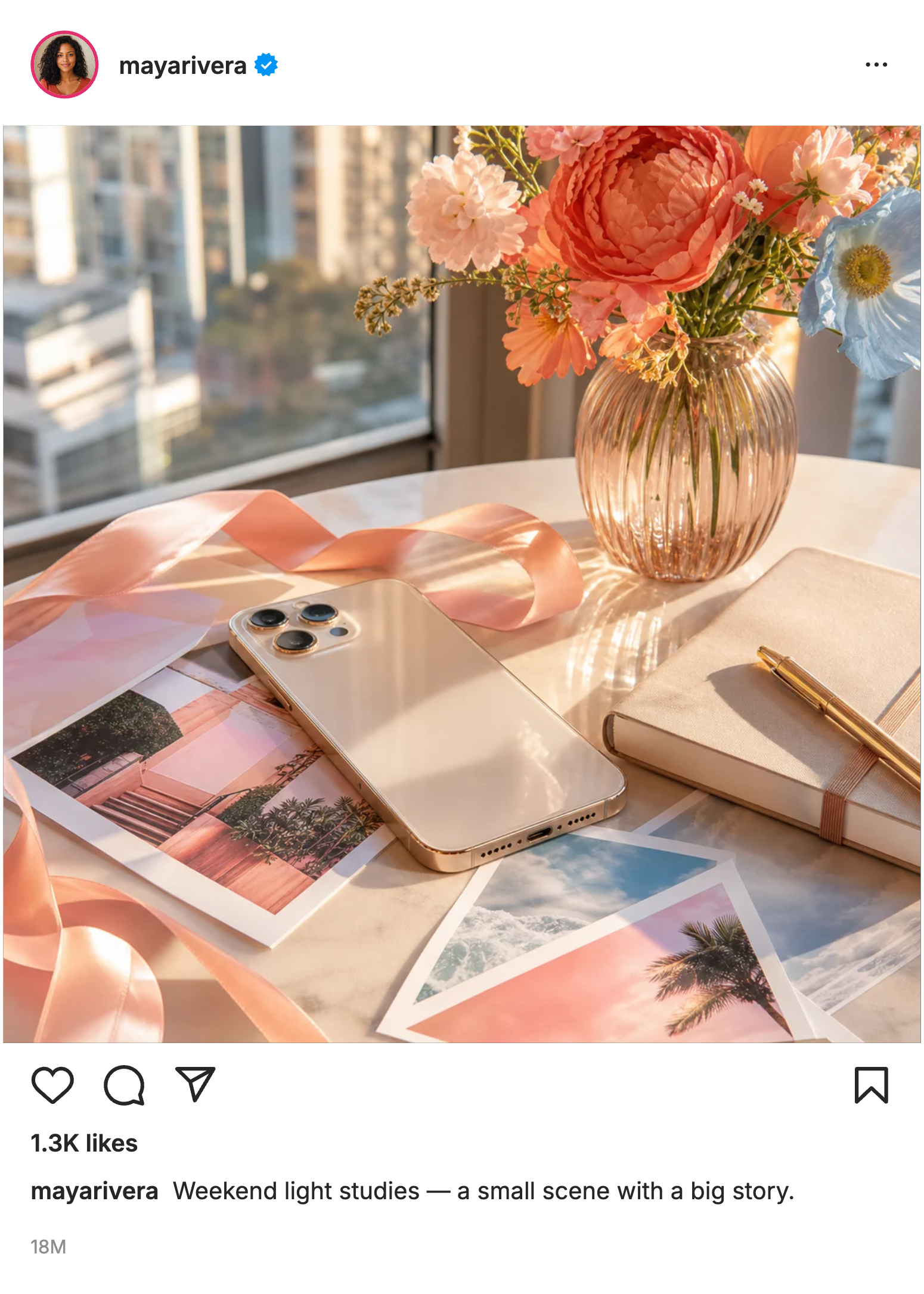
Fake Instagram Post example with the same text and details shown alongside

How the fake Instagram post works

Open the editor

Start with your content

Open the preset and add your photo, caption, profile image, and account details. Establish the main idea before adjusting the smaller visual details.

1

Adjust and preview the scene

Adjust photo fit, location labels, liked-by names, comments, and visible engagement counts. Check the preview while editing before choosing the export that fits your project.

2

Download and keep an editable copy

Export the finished post mockup as a PNG, then download a project file if you want to return to the same editable scene later.

3

Build your scene with the fake Instagram post

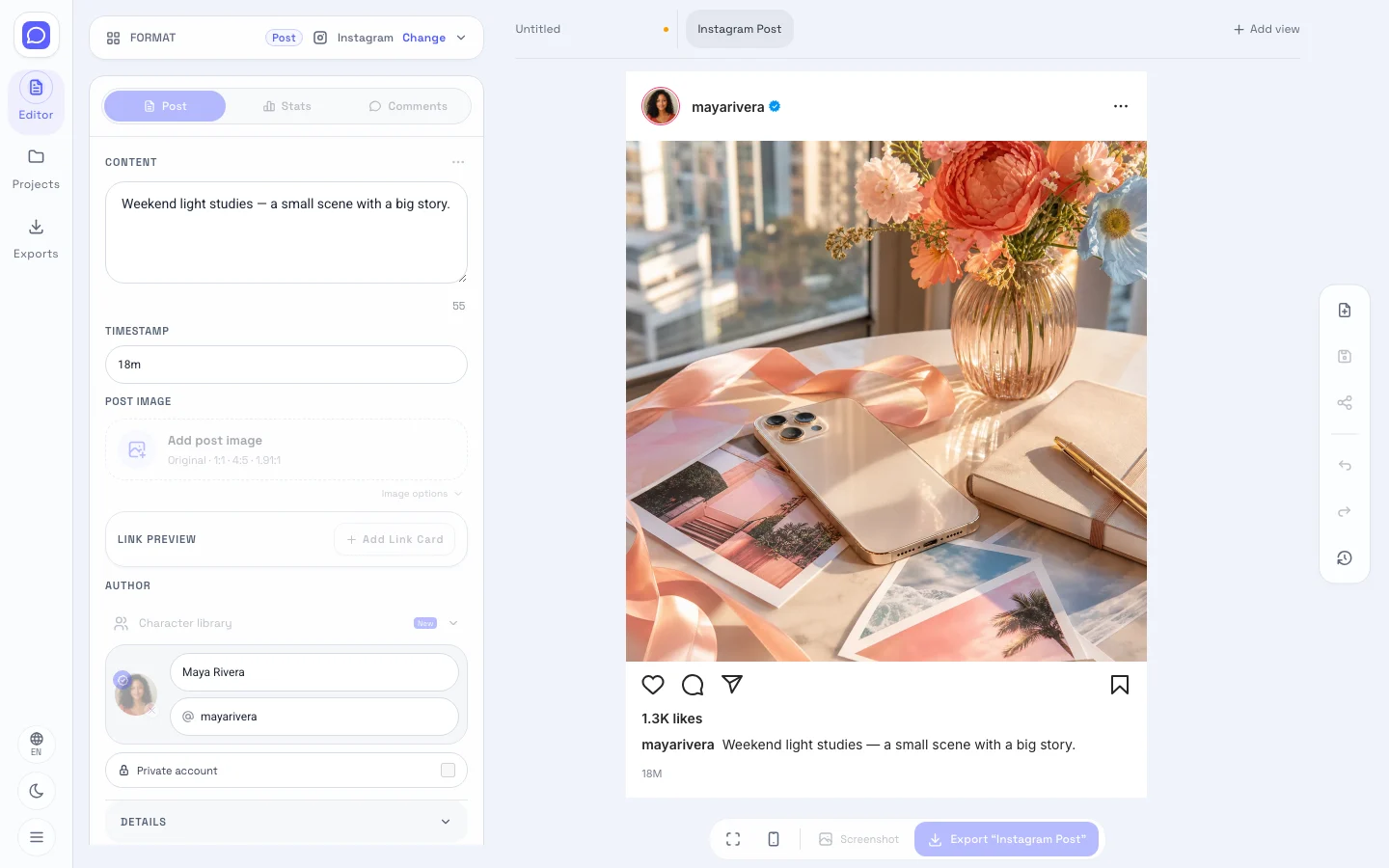
Instagram editor showing editable fields beside the post mockup preview

Add your photo and caption

Add your photo, caption, profile image, and account details in the fake Instagram post. Review the opening content first, then refine the surrounding details so a viewer can understand the intended post mockup.

Open the editor
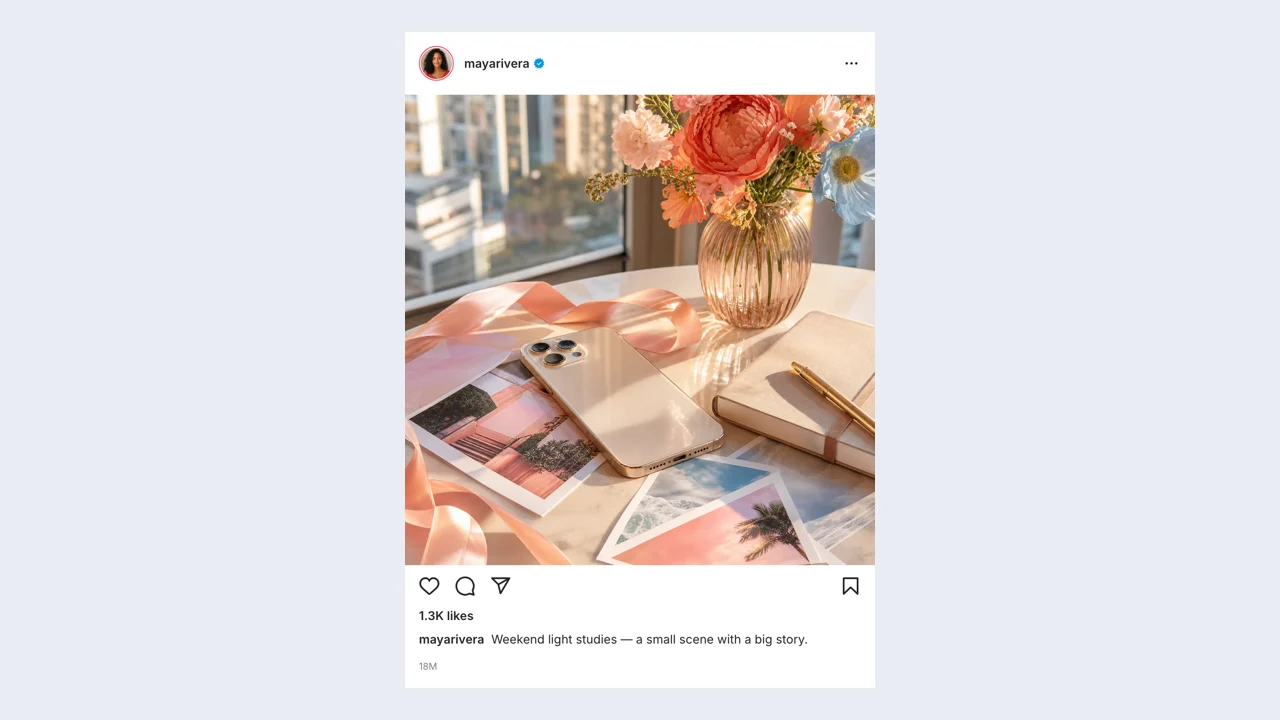
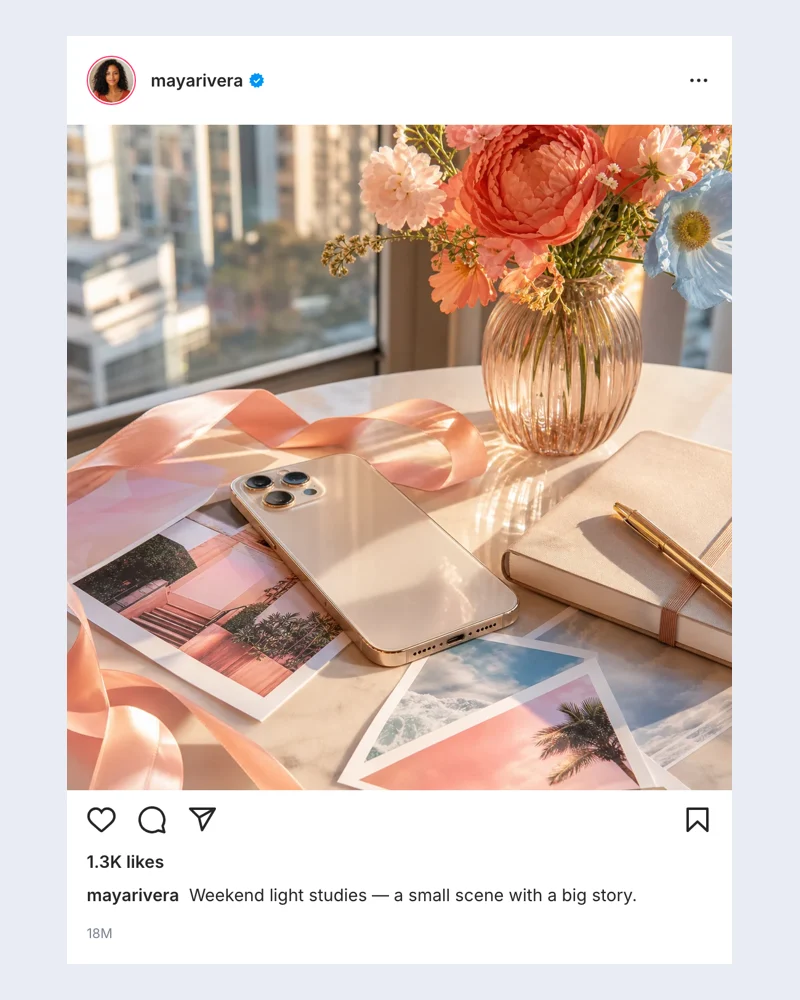
Example Instagram post mockup from the editor

Choose the details that matter

The fake Instagram post includes photo fit, location labels, liked-by names, comments, and visible engagement counts. Match these settings to the fictional situation, keeping the important content readable when your finished image is displayed at a smaller size.

Customize your scene
Live Instagram preview in the screenshot workspace

Refine the scene before downloading

Check the fake Instagram post preview as you edit. Choose a photo crop that preserves the subject, then inspect how much of the caption fits beneath it. Use Undo and Redo to compare recent changes before deciding which version to export.

Preview your idea
Example Instagram post mockup produced by the editor

Export with the Instagram post screenshot generator

Download a free PNG from the fake Instagram post for a slide, storyboard, or video layout. Choose an export scale, check the saved image, and keep a project file for later revisions.

Create a screenshot

Why use this Instagram post generator?

The fake Instagram post brings content and presentation into one workflow. Build a post mockup around your idea, then change the details without starting the design again.

Review the photo and caption together

Use the Instagram post generator to test your image, caption, and account identity together. Give reviewers a concrete post mockup they can discuss before you revise the draft.

Explain the scene at a glance

Use the Instagram post generator to see the photograph, caption, and account identity together. The location and engagement fields add context without changing the message of your draft.

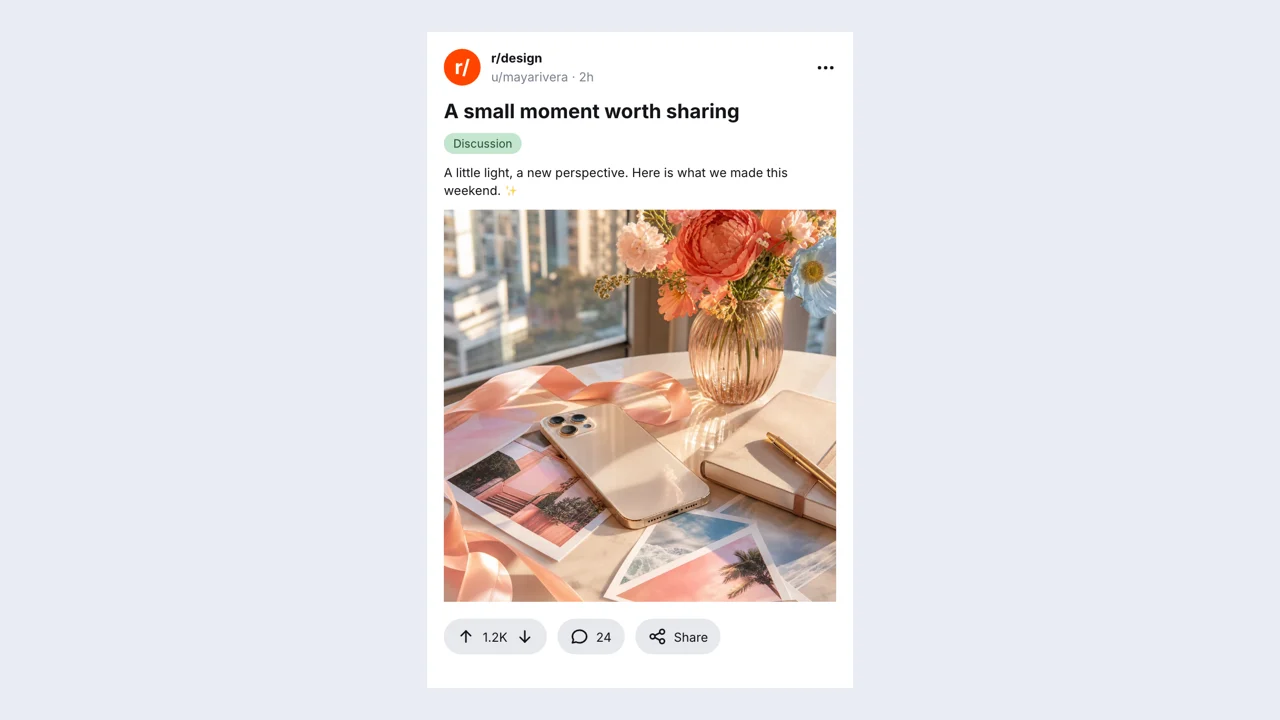
Example Instagram post mockup with editable fictional content

Compare revisions without rebuilding

Compare wording and appearance in the fake Instagram post preview. Undo a recent change when the earlier version communicates your idea more clearly, keeping the rest of the draft intact.

Make an asset you can reuse

Export a free PNG from the fake Instagram post for your presentation or edit. Save the editable project too when a future version will need different wording or visual details.

Open the editor

Put the fake Instagram post to work

Actual Instagram post mockup example exported from this editor

Creative planning

Review the concept in its final setting

A content team can use the Instagram post generator to review a feed concept before anyone publishes it. Supply your photo, caption, profile image, and account details, then review the relationship between the visual and text.

Explore other editable social formats

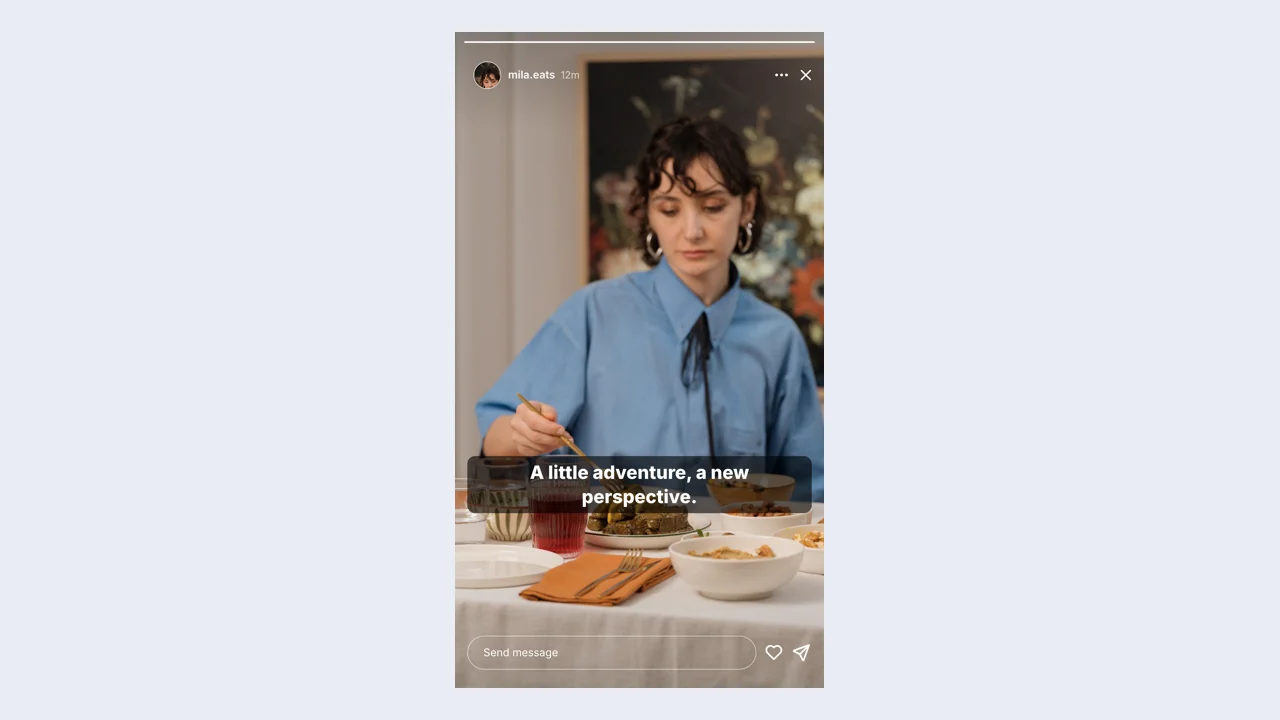
Fake IG Story example: a finished fictional story sceneOpen generator

Fake IG Story

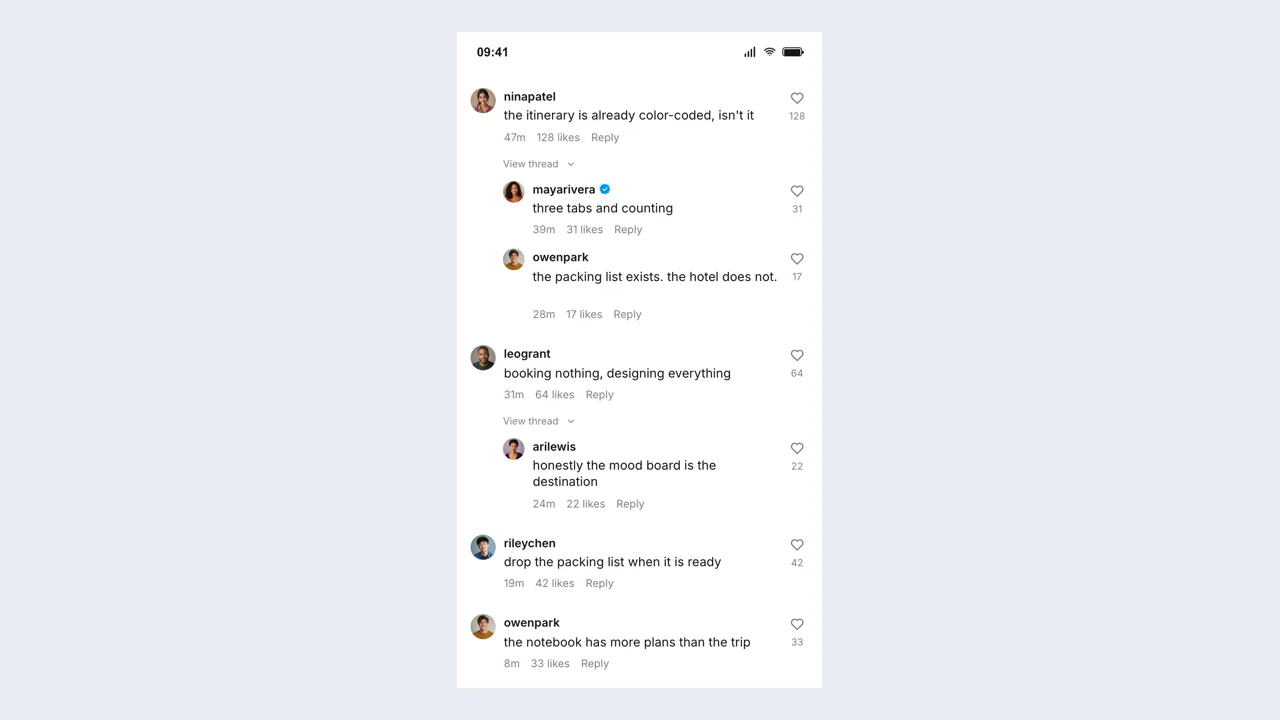
Instagram Comment Generator example: a finished fictional comments sceneOpen generator

Instagram Comment Generator

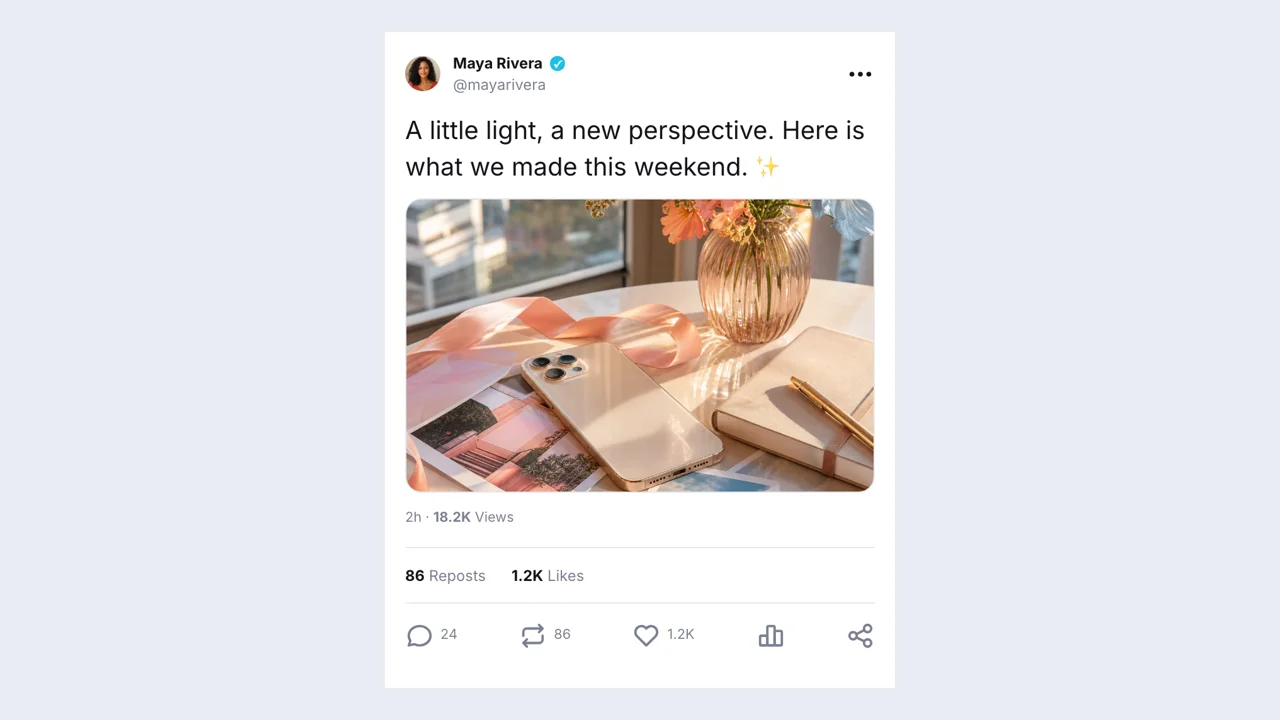
Fake Twitter Post example: a finished fictional post sceneOpen generator

Fake Twitter Post

Reddit Post Generator example: a finished fictional post sceneOpen generator

Reddit Post Generator

Fake Instagram post questions

The fake Instagram post helps you review a feed concept before anyone publishes it. Add your photo, caption, profile image, and account details, check the preview, and download a post mockup for your story, presentation, or concept review.

The fake Instagram post includes photo fit, location labels, liked-by names, comments, and visible engagement counts. Adjust these visible details to fit your idea, then check that they support the main content at the size your audience will see.

Add your own image in the fake Instagram post and review its visible fit before exporting. Keep the main subject inside the crop and check the image together with the surrounding profile and text.

Add your photo to the fake Instagram post and check its fit before refining the caption. Keep important details inside the visible crop, then use the caption to add context. An Instagram post generator draft lets a reviewer assess the picture, account identity, and wording as one coherent post concept.

The fake Instagram post exports a free PNG of your edited scene, with scale controls for a larger image. Download the editable project separately when you expect to change the wording or appearance later.

The fake Instagram post keeps drafts on this device. Download an editable project file for a copy you can reopen later; browser storage can be cleared and does not synchronize your draft between devices.

The fake Instagram post creates a visual mockup and downloadable files. It does not publish to a social account or send real messages. Present the result as fictional content when sharing your scene.

Social screenshot studio mark

Create your fake Instagram post

Bring your idea into the fake Instagram post. Start from the Instagram preset, edit your content, and download a post mockup that fits the scene.

Open the editor
Fake Chat logoFake Chat logoFake Chat

Create fictional chats, social posts, comments and stories for videos, presentations and creative mockups. Edit the details in your browser and download your finished scene.

support@fakechatmaker.chat
Chats & messages
  • Fake Chat
  • Fake WhatsApp Chat
  • Fake Text Message
  • Fake Discord Message
  • Fake Screenshot
  • Instagram Fake Chat
  • Fake iMessage
  • Fake Messenger
  • Fake Telegram Chat
Posts & comments
  • TikTok Comment Generator
  • Fake Instagram Post
  • Instagram Comment Generator
  • Fake Twitter Post
  • Reddit Post Generator
  • Fake YouTube Video Post
  • Fake YouTube Comment Generator
Stories & stickers
  • Fake IG Story
  • Fake WhatsApp Status
  • Snapchat Post Generator
  • Instagram Question Box Generator
  • Text Bubble Generator
Overlays & pages
  • Notification Generator
  • Stream Chat Generator
  • Fake AO3 Screenshot Maker
Product
  • How it works
  • Examples
  • Pricing
  • FAQ
Legal
  • Privacy Policy
  • Terms of Service
  • Cookie Policy
© 2026 Fake Chat. All Rights Reserved