Start with one clear line
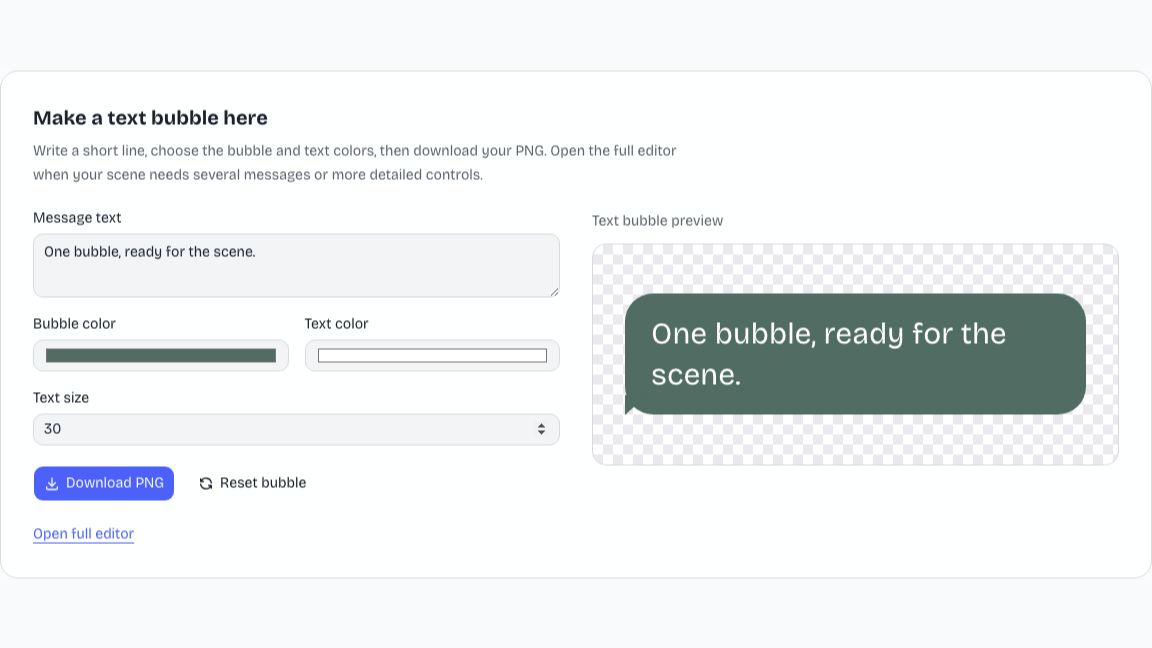
Write a short line in the text bubble generator and choose its colors and text size. The page preview keeps attention on the bubble itself, ready for a slide or video composition.
Make a text bubbleUse the text bubble generator to give a line of dialogue a place in a video or slide. Edit a single bubble here and download a transparent PNG, or open the full editor for a longer message scene.
Write a short line, choose the bubble and text colors, then download your PNG. Open the full editor when your scene needs several messages or more detailed controls.
Text bubble preview
Start with editable names, text, and visual details. The finished preview brings those choices into a familiar layout, ready for your presentation or next video.
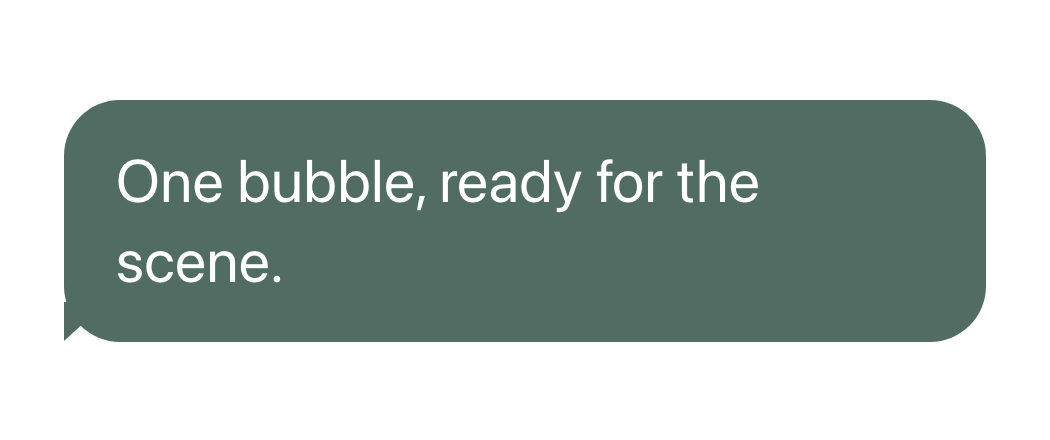
Write your line in the text bubble generator here. Choose words that work as a short, self-contained caption or response in the surrounding scene.
Choose the bubble color, text color, and text size. Check the live preview so the line stays readable over the slide or video background.
Download the transparent PNG from the page. Open the full editor when you need several messages, sender direction, timestamps, or an editable project file.
Write a short line in the text bubble generator and choose its colors and text size. The page preview keeps attention on the bubble itself, ready for a slide or video composition.
Make a text bubble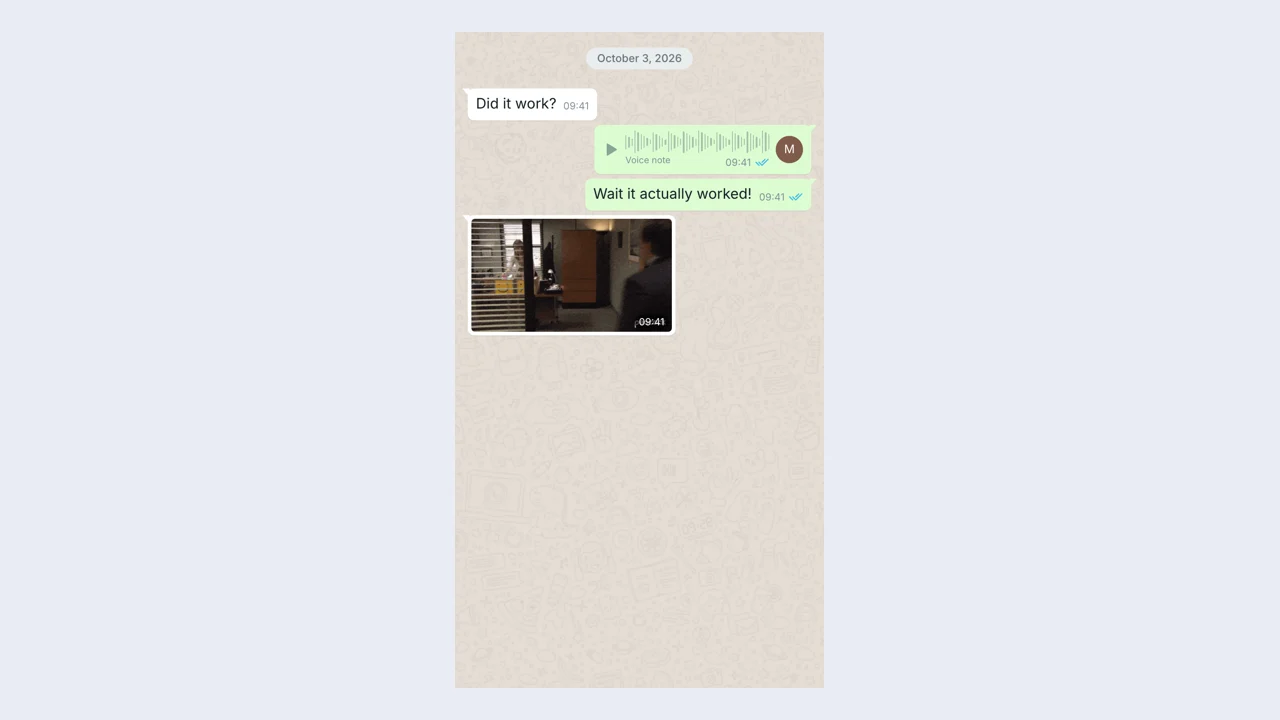
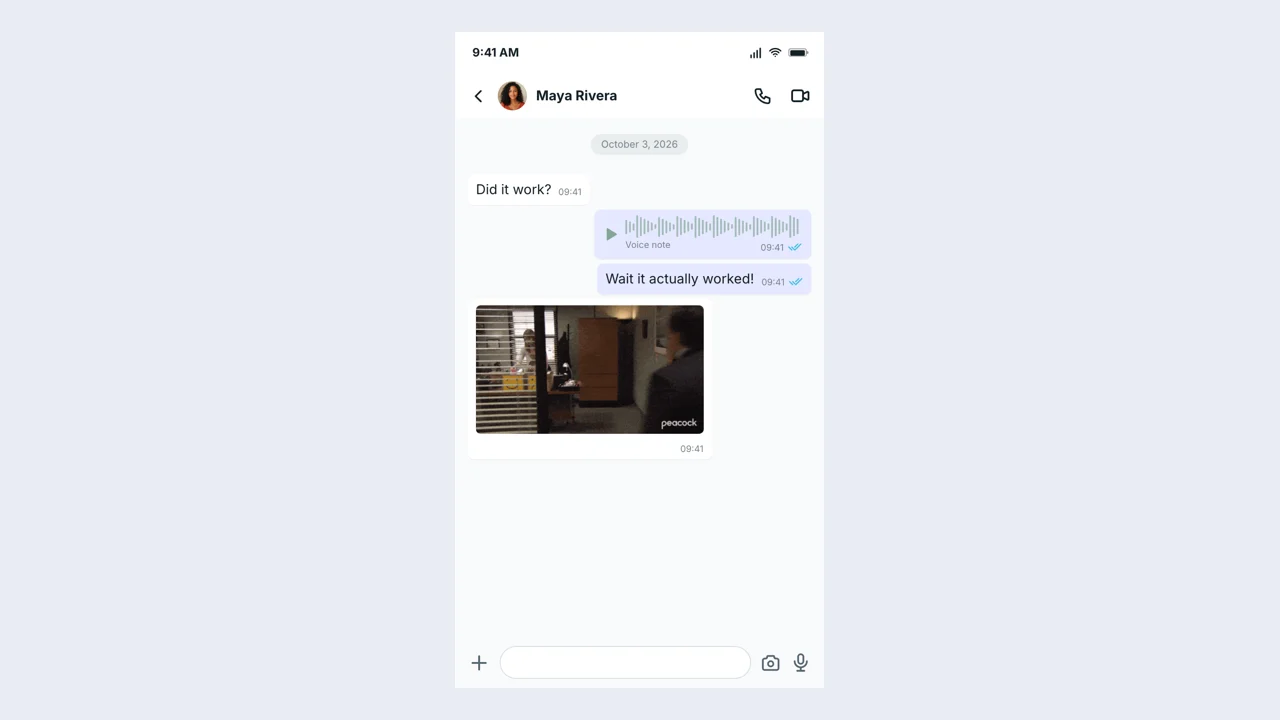
Open the full text bubble generator editor for WhatsApp-style messages-only scenes with message ordering, sender direction, and timestamps. Build a longer exchange when the meaning depends on a response rather than one isolated line.
Open full editor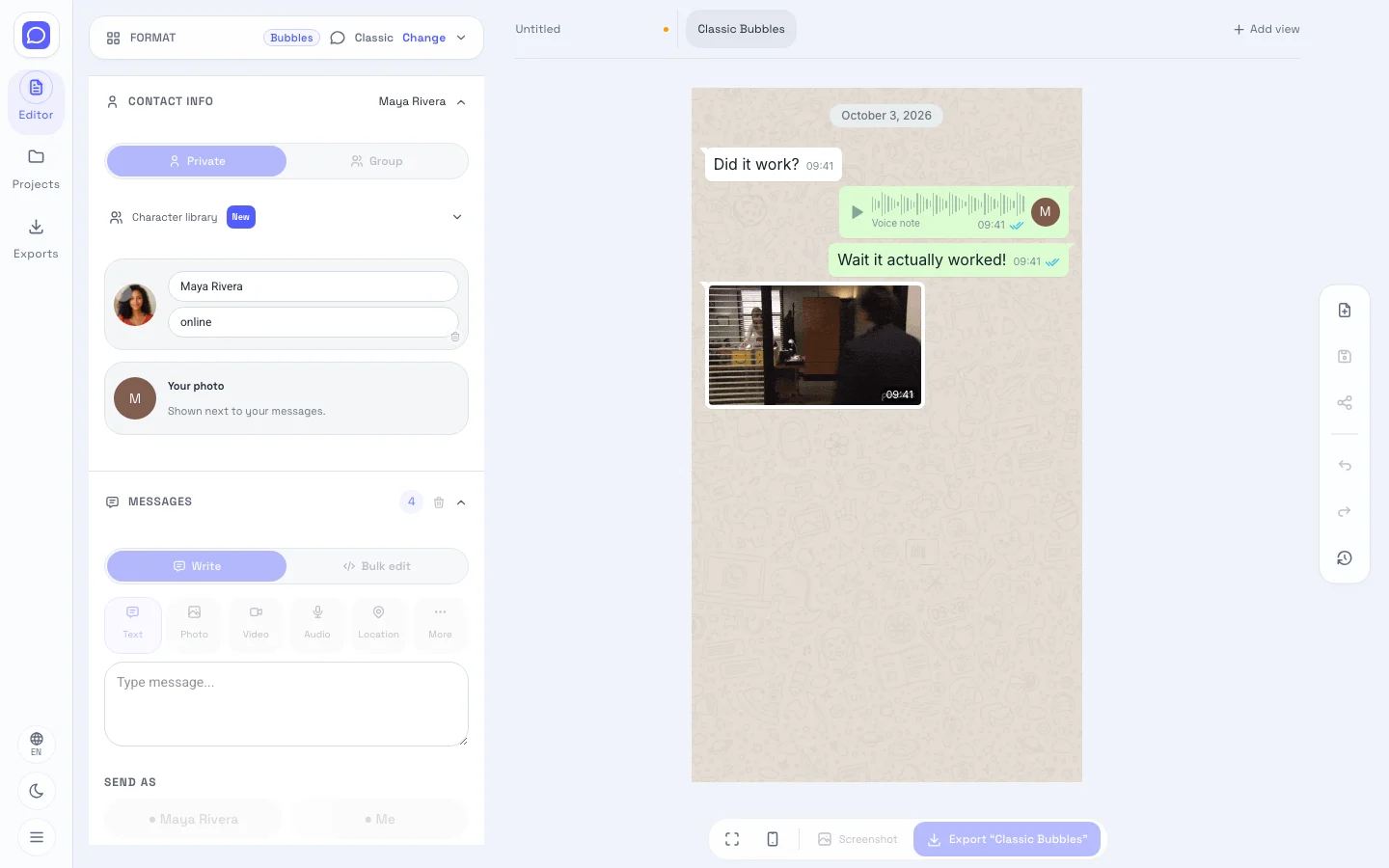
Check the text bubble generator preview against your intended background. Use a contrasting text color and a short sentence; open the full editor when you want to compare revisions with Undo and Redo.
Make a text bubbleDownload a transparent PNG directly from the text bubble generator on this page. The full editor offers its own message-scene PNG and editable project export when you need to keep a longer conversation.
Make a text bubbleThe text bubble generator brings content and presentation into one workflow. Build a message bubble graphic around your idea, then change the details without starting the design again.
The text bubble generator turns your wording into a separate message graphic. Choose colors and size for its destination, then place the downloaded image into the scene you are making.
Choose a bubble color, text color, and size that fit your destination. The text bubble generator keeps the message separate from the background so you can position it later.
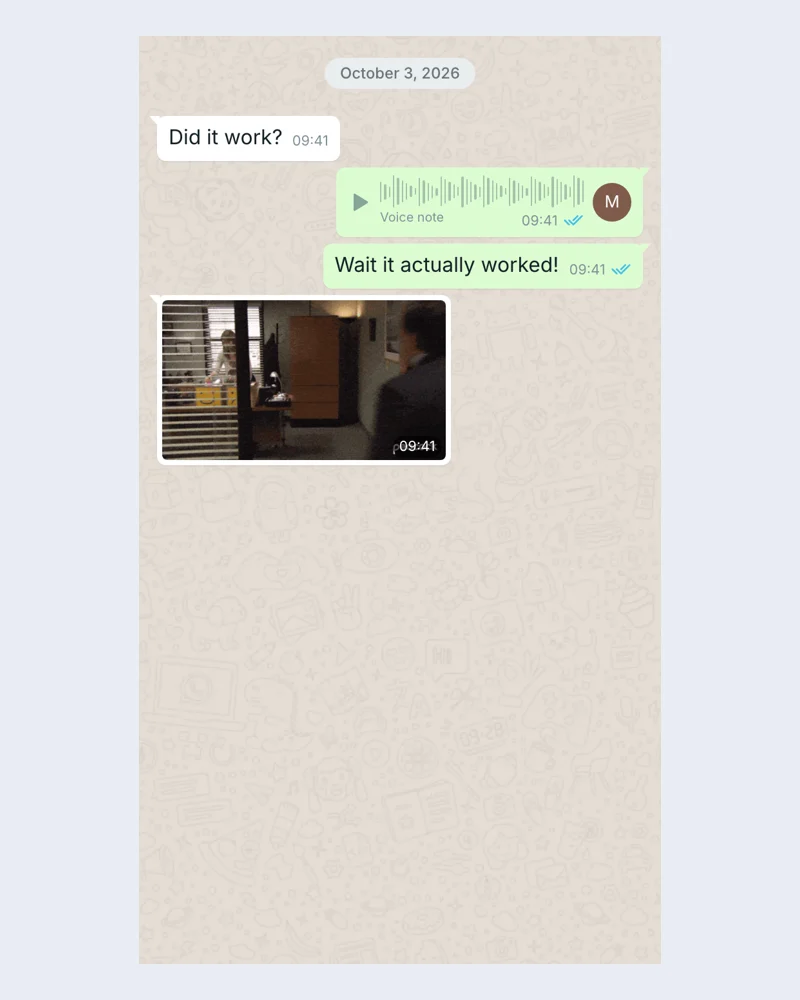
Compare text, colors, and size in the text bubble generator preview. Open the full editor for Undo and Redo when a longer conversation needs several rounds of revision.
Export a free PNG from the text bubble generator for a slide or video. For a longer editable conversation, save a project file from the full editor.
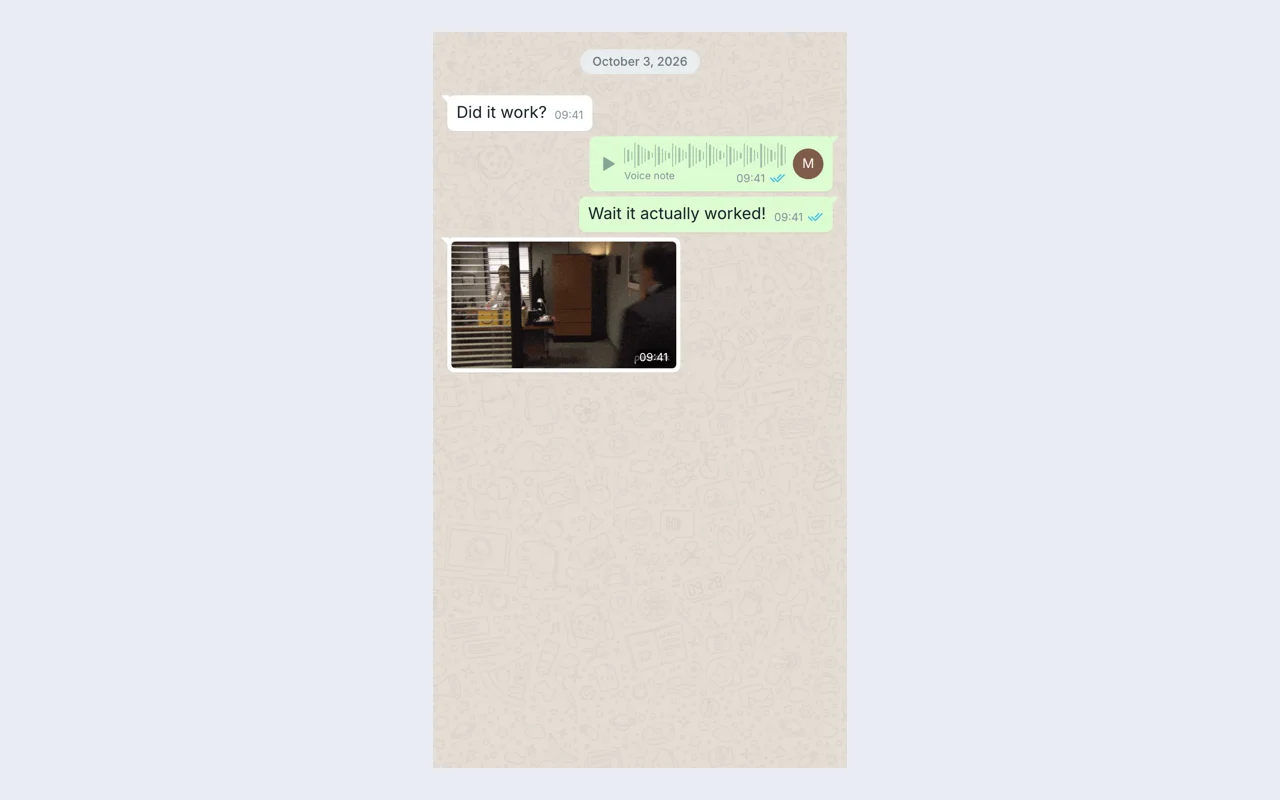
A writer can use the text bubble generator to give one line of dialogue a visual place in a storyboard. Put the response beside the character or scene it explains, then review whether the moment is understandable without extra narration.
The text bubble generator creates a single transparent message graphic on this page. Write your line, choose colors and text size, then download the PNG. Open the full editor for WhatsApp-style scenes with several messages and sender direction.
On this page, the text bubble generator changes the message text, bubble color, text color, and size. Open the full editor for message ordering, sender direction, timestamps, and a longer WhatsApp-style scene.
Yes. Download a transparent PNG from the text bubble generator on this page, then place it over your photograph or video in your usual editing application. Choose colors that contrast with the destination background.
The text bubble generator creates transparent single-bubble PNGs here. If you need a WhatsApp transparent chat bubble maker, check whether this simple bubble fits your design. The advanced editor starts with a WhatsApp-style messages-only scene and has a different layout.
Download a transparent PNG of your single bubble from the text bubble generator on this page. In the full editor, export the longer message scene as a PNG and save a separate editable project file.
The full text bubble generator editor keeps drafts on this device and supports editable project files. The quick bubble on this page is separate: download its PNG before leaving, then reopen the page to create another.
The text bubble generator creates a visual mockup and downloadable files. It does not publish to a social account or send real messages. Present the result as fictional content when sharing your scene.

Write your line in the text bubble generator here, choose its colors, and download a transparent PNG for your slide or video.
Make a text bubble