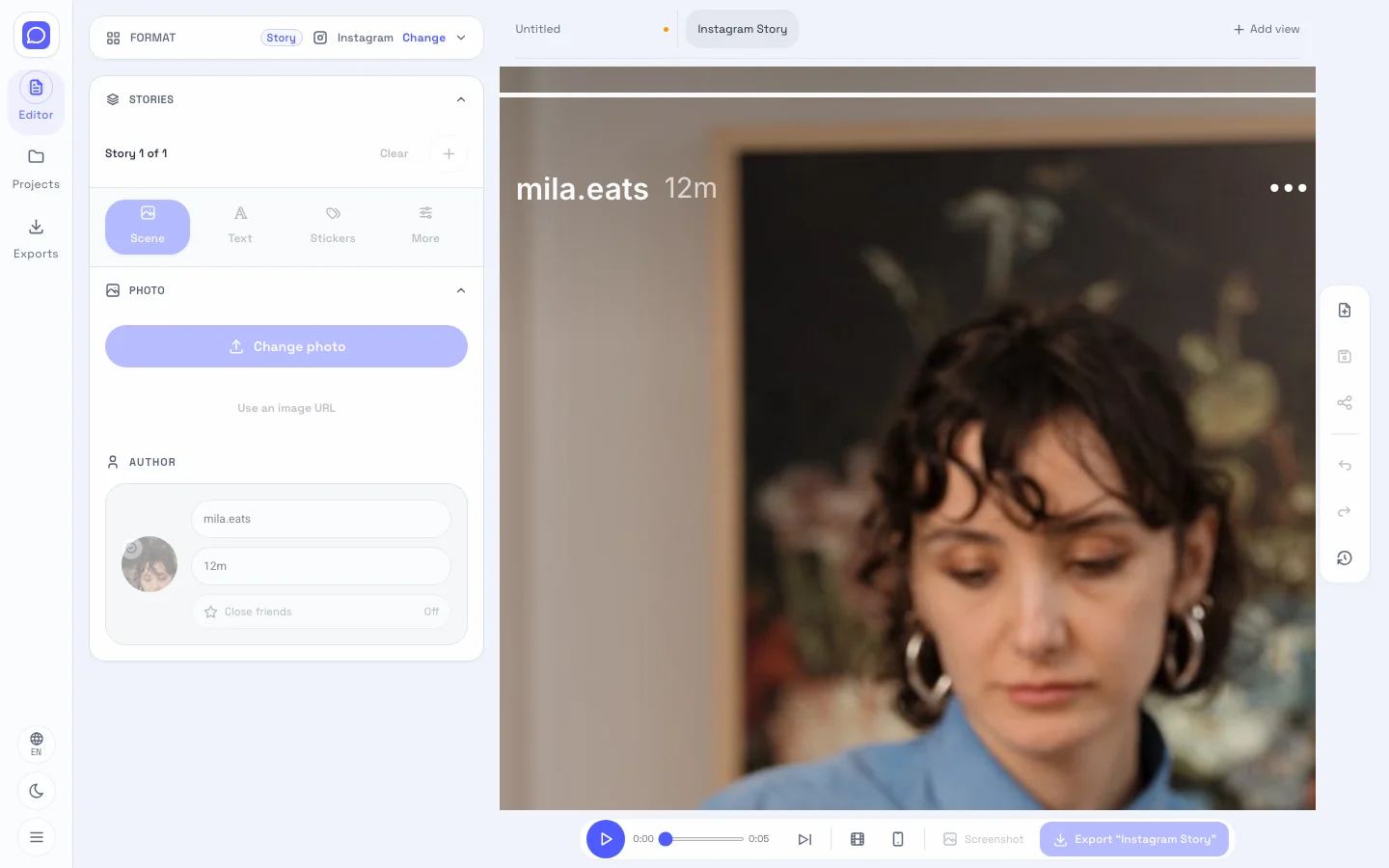
Start with your fake Insta story
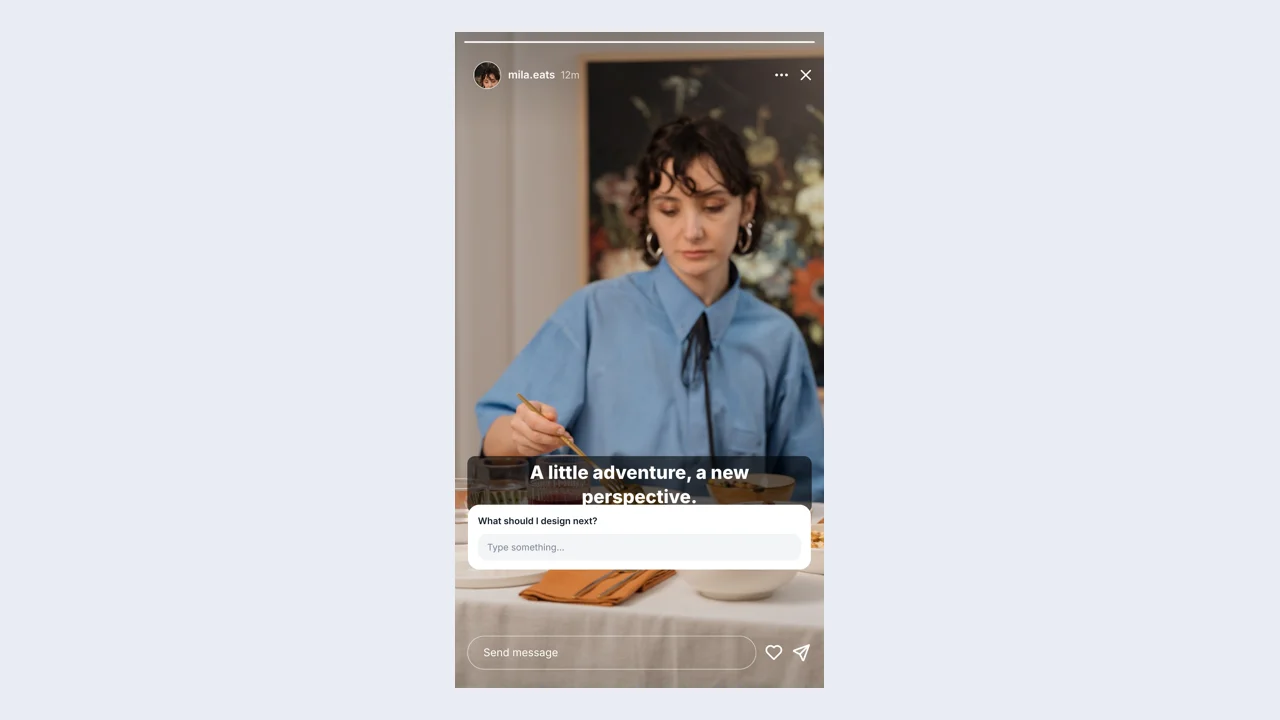
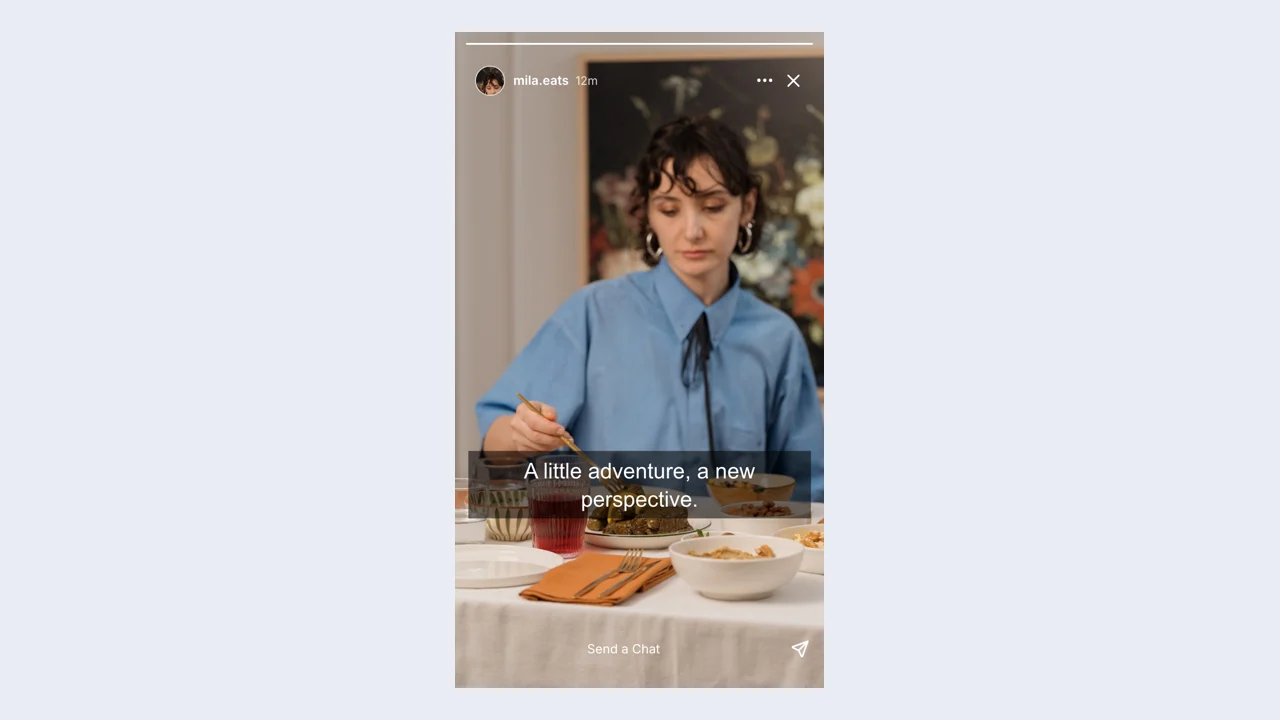
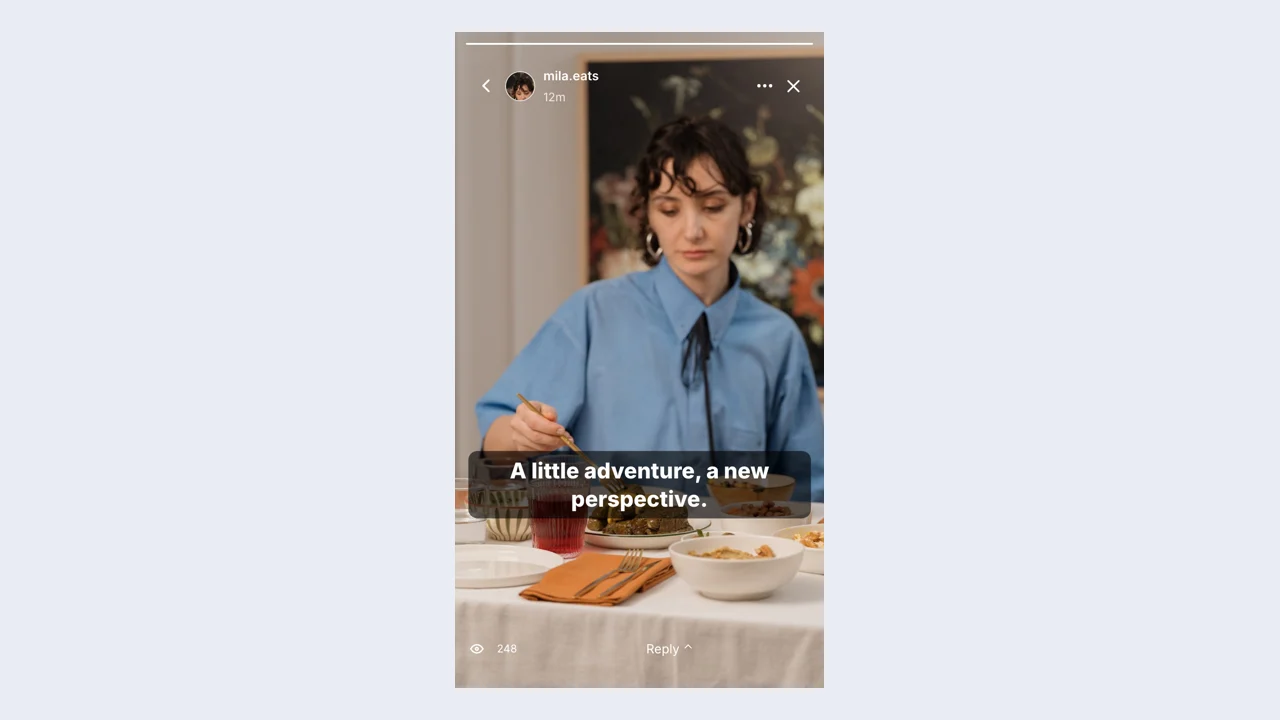
Add your story photos, captions, and account details in the fake IG story. Review the opening content first, then refine the surrounding details so a viewer can understand the intended vertical story.
Open the editorUse the fake IG story to organize a short visual sequence before posting. Add your story photos, captions, and account details, edit the live preview, and download a vertical story for your project.
Start with editable names, text, and visual details. The finished preview brings those choices into a familiar layout, ready for your presentation or next video.
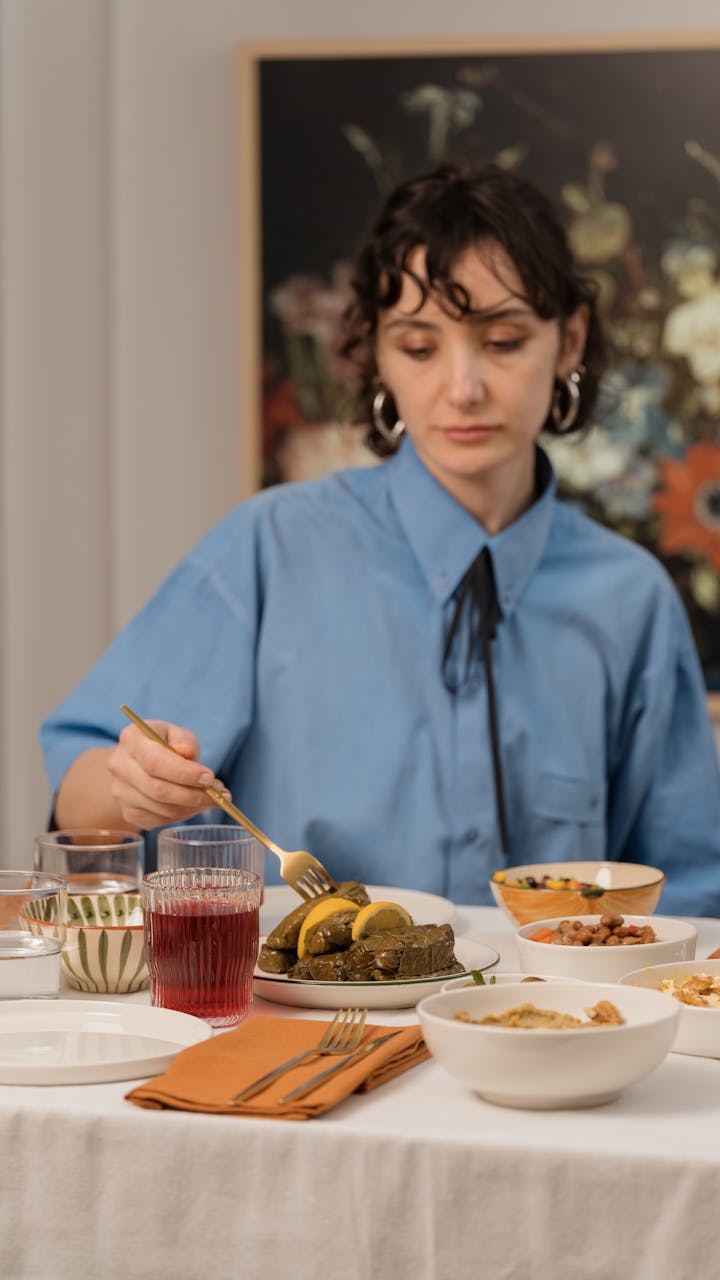
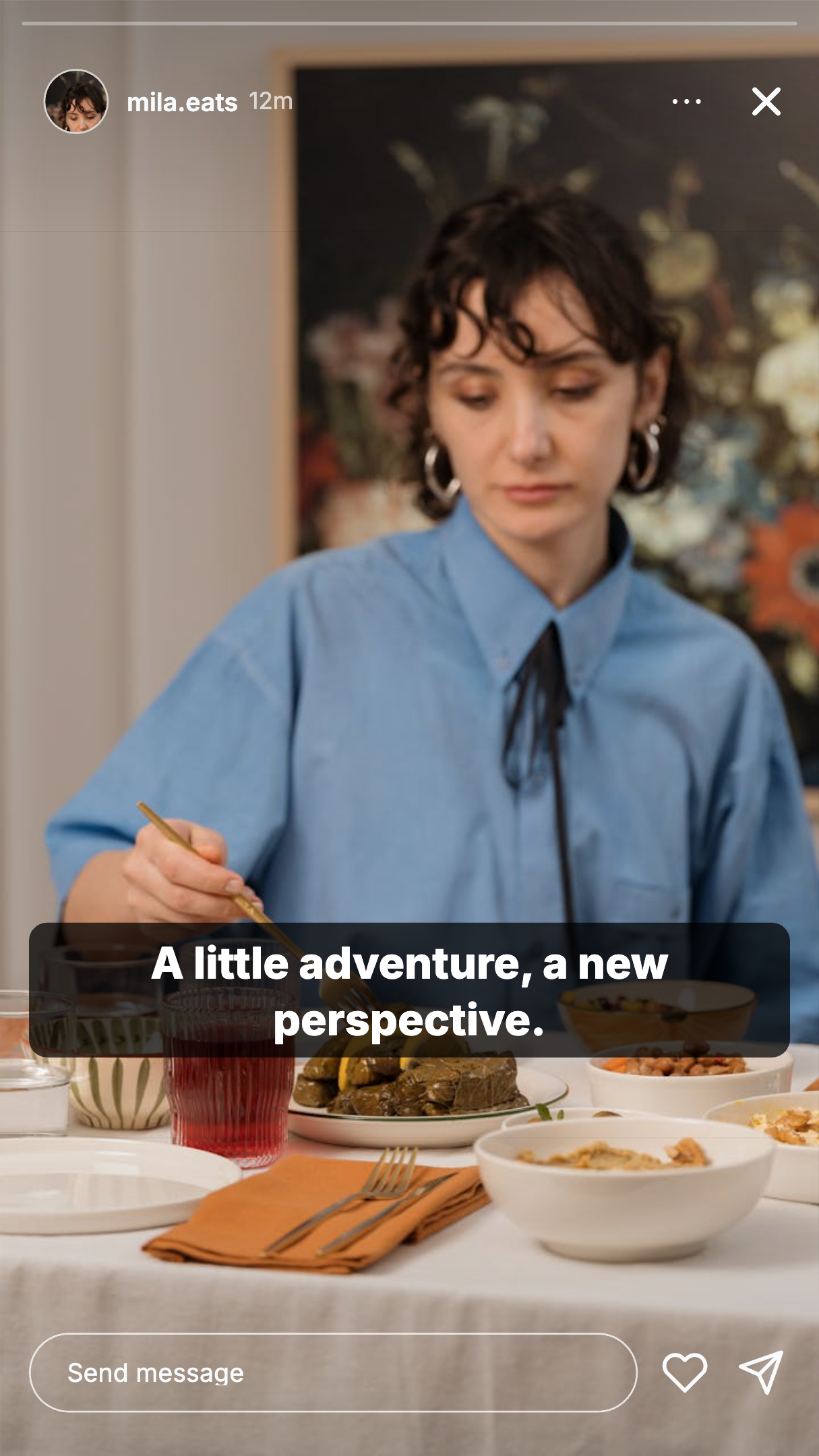
Open the preset and add your story photos, captions, and account details. Establish the main idea before adjusting the smaller visual details.
Adjust movable text layers, stickers, story frames, author identity, and progress segments. Check the preview while editing before choosing the export that fits your project.
Export the finished vertical story as a PNG, then download a project file if you want to return to the same editable scene later.
Add your story photos, captions, and account details in the fake IG story. Review the opening content first, then refine the surrounding details so a viewer can understand the intended vertical story.
Open the editor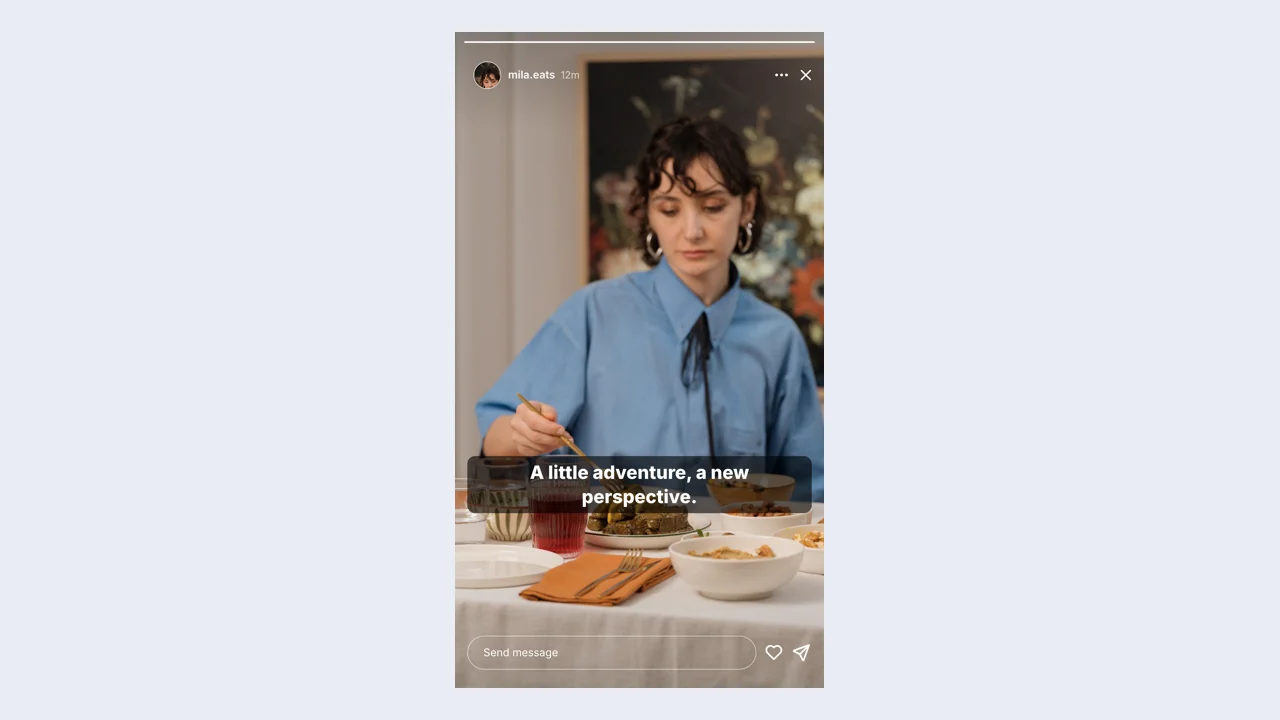
The fake IG story includes movable text layers, stickers, story frames, author identity, and progress segments. Match these settings to the fictional situation, keeping the important content readable when your finished image is displayed at a smaller size.
Customize your sceneCheck the fake IG story preview as you edit. Keep the main subject clear of the profile bar and the reply area when positioning your text. Use Undo and Redo to compare recent changes before deciding which version to export.
Preview your ideaDownload a free PNG from the fake IG story for a slide, storyboard, or video layout. Choose an export scale, check the saved image, and keep a project file for later revisions.
Create a screenshotThe fake IG story brings content and presentation into one workflow. Build a vertical story around your idea, then change the details without starting the design again.
A fake Instagram story lets you position text around the photograph instead of writing over its most important detail. Keep the image and message understandable in one vertical frame.
Use a fake Instagram story to test the photograph, profile, and text together. Keep the main line separate from stickers so a viewer can read the scene quickly.
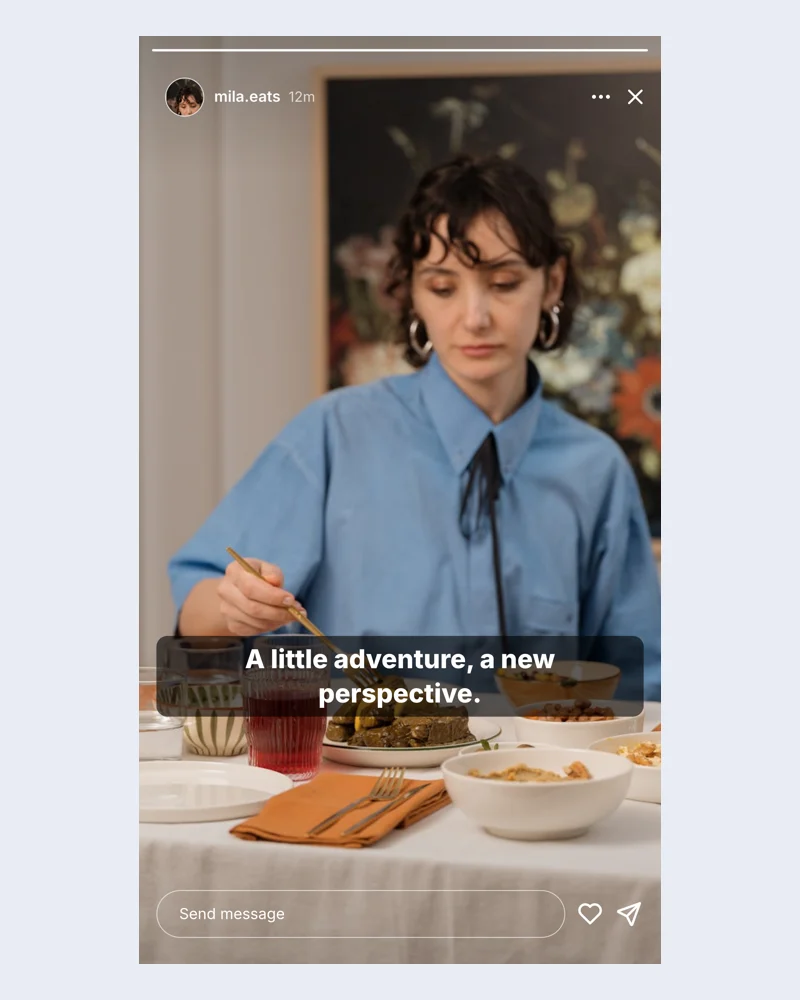
Compare wording and appearance in the fake IG story preview. Undo a recent change when the earlier version communicates your idea more clearly, keeping the rest of the draft intact.
Export a free PNG from the fake IG story for your presentation or edit. Save the editable project too when a future version will need different wording or visual details.
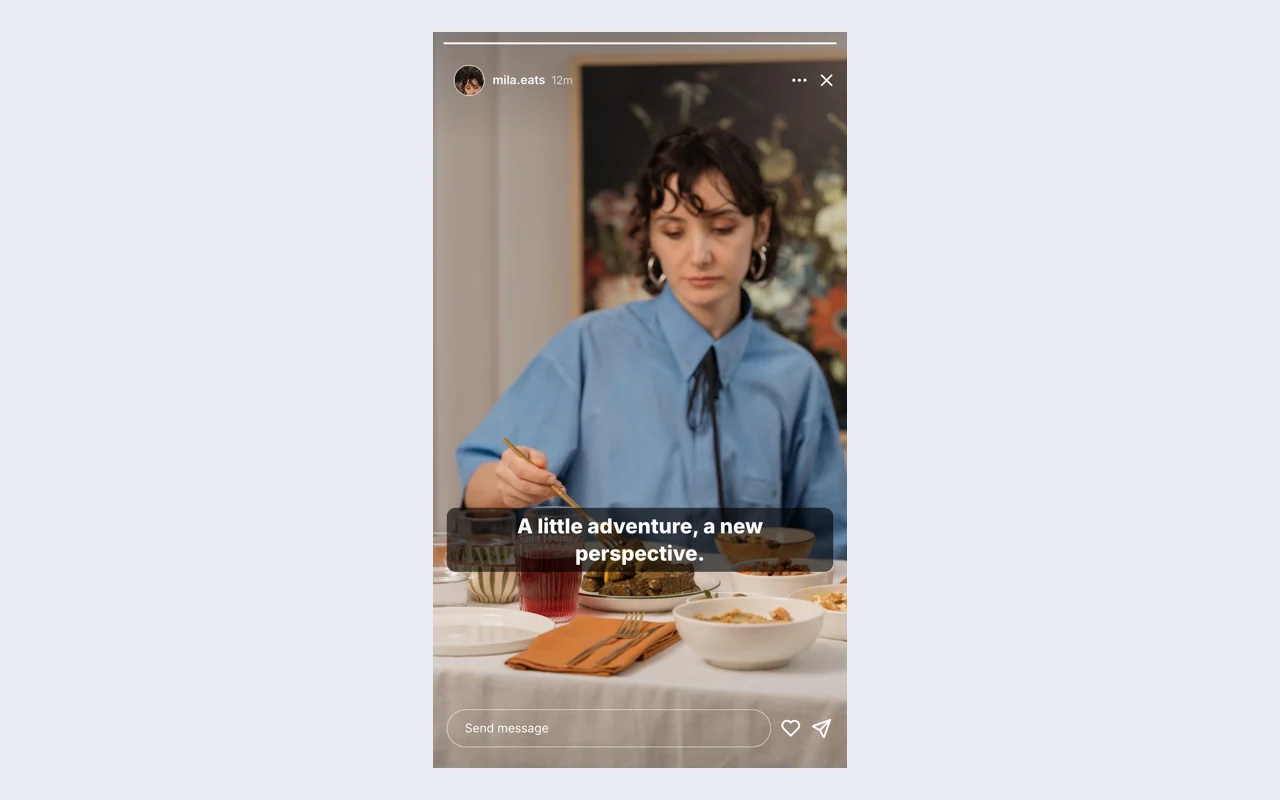
A creator can use the fake Instagram story to organize a short visual sequence before posting. Start with your story photos, captions, and account details, arrange the layers, and check whether the scene works without another caption.
The Instagram story generator helps you organize a short visual sequence before posting. Add your story photos, captions, and account details to the fake IG story, then review each frame before downloading an image for your project.
The fake IG story includes movable text layers, stickers, story frames, author identity, and progress segments. Adjust these visible details to fit your idea, then check that they support the main content at the size your audience will see.
Use your own background photo in the fake IG story. Position the text over a clear area and inspect the scene at phone size so the words and the main subject both remain visible.
Inspect the vertical story at the size your audience will see. Keep the main subject clear of the profile bar and the reply area when positioning your text. Use the fake Instagram story to adjust the presentation, keeping the wording concise and the visual context consistent.
The fake IG story exports a free PNG of your edited scene, with scale controls for a larger image. Download the editable project separately when you expect to change the wording or appearance later.
The fake IG story keeps drafts on this device. Download an editable project file for a copy you can reopen later; browser storage can be cleared and does not synchronize your draft between devices.
The fake IG story creates a visual mockup and downloadable files. It does not publish to a social account or send real messages. Present the result as fictional content when sharing your scene.

Bring your idea into the fake IG story. Start from the Instagram preset, edit your content, and download a vertical story that fits the scene.
Open the editor